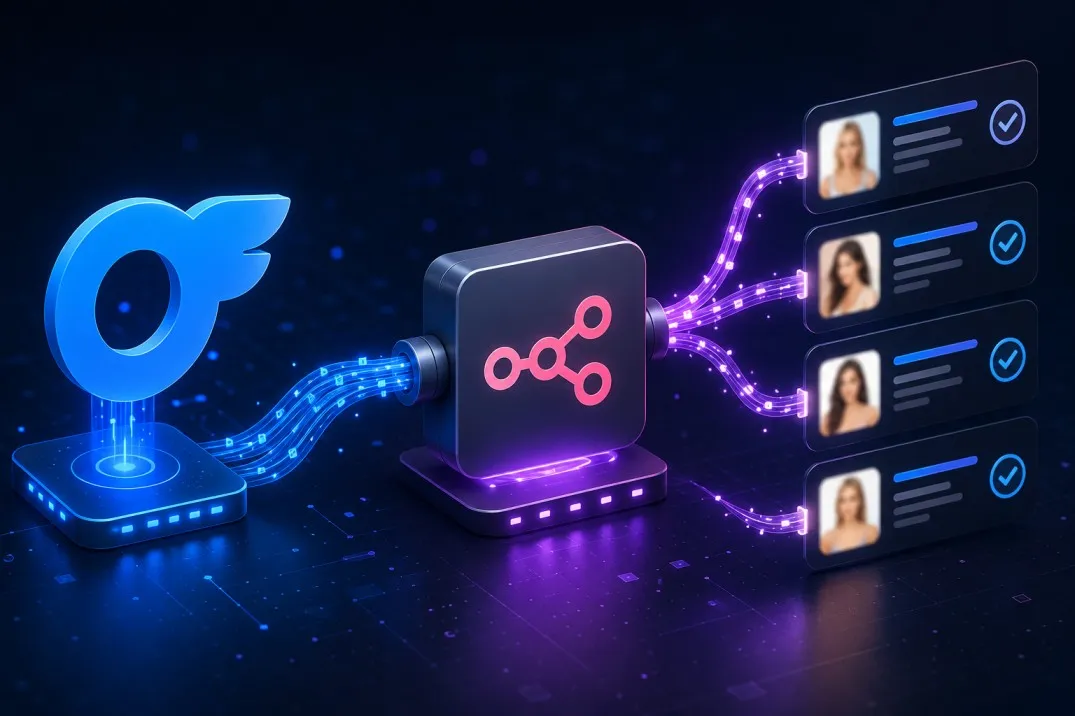
Whether you’re running market research, tracking competitor pricing and content trends, refreshing stale creator data, or feeding a larger analytics pipeline, pulling OnlyFans profile data at scale is cumbersome if you try to do it manually. When most of your work already lives in automation tools such as n8n, Make, or Zapier, a clean HTTP-based integration becomes the practical solution.
This tutorial walks you through retrieving and processing public OnlyFans creator profiles inside an n8n workflow using a third-party API OnlyFAPI. The approach is reliable for bulk public-profile enrichment and fits naturally into existing data pipelines.
Prerequisites
- An n8n account (cloud or self-hosted instance)
- A RapidAPI account and an API key for the OnlyFans Profile Scraper. A free tier with 250 requests/month is available for testing; paid plans scale higher.
- See OnlyFAPI.dev for more details on the API
- Source data that supplies usernames (Google Sheets, CSV, previous nodes, Manual Trigger with sample JSON, etc.)
Workflow Overview
- Start with a source of usernames (one per item).
- Call the profile endpoint for each username via an HTTP Request node.
- Optionally clean, filter, or enrich the returned JSON.
- Store the results (Sheets, database, CSV, webhook, etc.).
Step-by-Step Setup1. Prepare your input data
Create or open a workflow. Use any node that outputs items containing a username field. Common options:
- Google Sheets / CSV Read
- Manual Trigger (for testing)
- Code or Set node that produces objects like JSON
{"username":"creatorprofile" }
2. Add the HTTP Request node
- Method: GET
- URL: https://onlyfans-profile-scraper2.p.rapidapi.com/profile/{{ $json.username }}
- Authentication: None (headers handle it)
- Headers (JSON or individual key-value pairs)
{ "x-rapidapi-host":"onlyfans-profile-scraper2.p.rapidapi.com", "x-rapidapi-key":"YOUR_RAPIDAPI_KEY" }
Replace YOUR_RAPIDAPI_KEY with the key from your RapidAPI dashboard. For more security, store the key in n8n Credentials (Header Auth or a custom credential) rather than hard-coding it.
Make sure the expression {{ $json.username }} matches the exact key coming from the previous node. If the key is creator, change it to {{ $json.creator }}.
3. Test a single execution
Run the node with one known public username. You should receive a rich JSON object containing fields such as:
- Display name, username, avatar & header image URLs
- Bio / about text
- Subscription price and any active promotions
- Post, photo, video, and media counts
- Join date, location (if public), verification status
- Engagement-related or restriction flags (e.g. whether the profile is private to guests)
The exact schema can vary slightly over time; inspect the response in the node’s output panel.
4. Process and store the data Common follow-up nodes:
- Set or Code node – keep only the fields you need and rename them for clarity.
- IF or Filter – skip private/restricted profiles or those missing key data.
- Sheets / CSV – append or upsert the results.
- Split In Batches + Wait – useful when processing large lists to respect rate limits.
Ready-to-Copy Template
For a complete starter workflow (input → HTTP Request → optional cleanup → output), visit the example at https://onlyfapi.dev/integrations/n8n/. Select all nodes, copy, and paste directly into your n8n canvas, then update the API key and field mappings.
Summary
By combining a simple HTTP Request node with a RapidAPI-backed profile endpoint OnlyFAPI, you can reliably pull structured OnlyFans creator data into any n8n workflow. Start with a small test list and you have a reusable pipeline for market research, trend monitoring, or data refresh jobs.